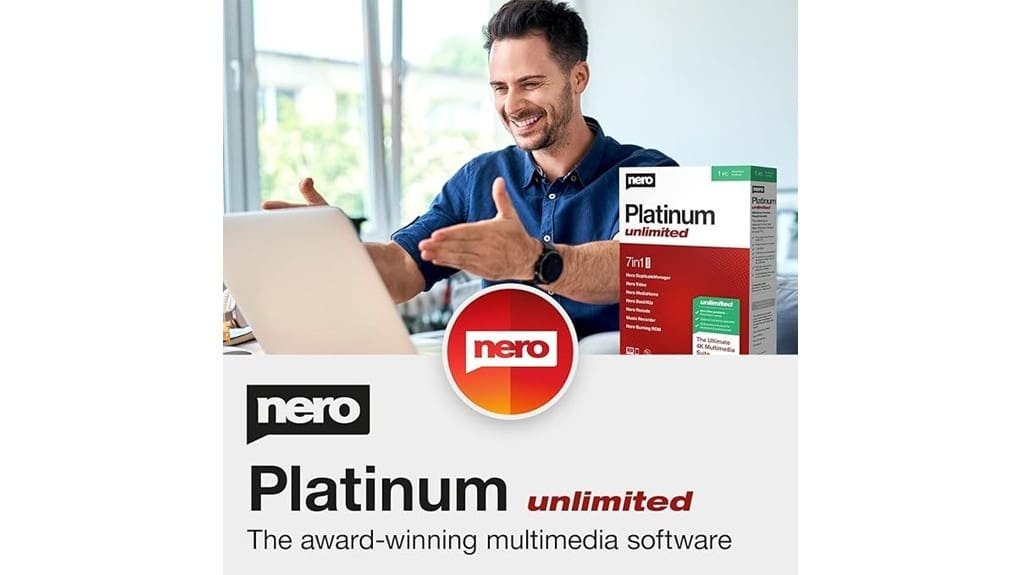
You get an all-in-one Windows multimedia toolbox that bundles timeline video editing, batch AI photo enhancement, reliable ripping/burning, media conversion, and automated backups. It handles 4K/8K exports, common codecs and containers, and offers presets for restoration and color grading across batches. Performance is steady with predictable export times and useful PC cleanup tools. Licensing is single‑PC or subscription options for flexibility. Keep going to see workflow examples, pricing details, and when to pick alternatives.
Some Key Takeaways
- Comprehensive all‑in‑one Windows suite with 600+ multimedia, backup, and system‑care tools for video, photo, and disc tasks.
- Strong 4K/8K timeline editing, reliable H.265 exports, and consistent CPU/GPU performance in real‑world workflows.
- AI-powered batch photo restoration, color grading, and face/detail enhancement for fast, high‑quality batch processing.
- Robust ripping, burning, and backup features with checksum verification and disc image creation for media archiving.
- Best for home users and hobbyists needing local workflows; alternatives preferred for collaborative cloud or pro color‑grading needs.
What Nero Platinum Unlimited Includes: Tools, Formats, and AI Features
While Nero Platinum Unlimited bundles more than 600 tools, you’ll mainly interact with modules for video and photo editing, media conversion and disc handling, AI-driven enhancement, and system backup and care. You get timeline editors, batch photo processors, disc ripping/burning, and automated backups in a single suite. Format support spans common containers and codecs for 4K/8K workflows, plus MP3/MP4/AVI conversions. AI presets accelerate restoration, color grading, and face/detail enhancement across batches. The interface groups functions logically so you can move from editing to conversion to archiving without redundant steps, prioritizing efficient, innovative multimedia workflows. It also pairs well with external devices commonly used by small businesses and homeowners, including HD webcams, for streamlined content capture and production.
How the Suite Performs: Video, Photo, Conversion, and PC Tools Tested
When you put Nero Platinum Unlimited through real-world tasks, it delivers solid results across video editing, photo enhancement, format conversion, and PC maintenance without major surprises. You’ll notice responsive timeline trimming, reliable 4K export, and fast batch AI photo fixes; performance benchmarks show consistent CPU/GPU utilization with predictable export times. Conversion tools handled MP4/MP3/AVI reliably, while ripping and burning stayed error-free on tested discs. PC tools cleaned temp files and optimized startup without risking data. User feedback aligns: pros praise breadth and automation, critics cite occasional UI clutter. Overall, it’s pragmatic innovation for creators who value stability. Many small business owners and homeowners also appreciate multimedia tools that integrate well with USB microphone setups for streamlined content creation.
Real-World Workflows: Create a 4K Movie, Batch Enhance Photos, and Rip/Burn Media
Start by outlining your project goals and source assets so you can move efficiently through Nero Platinum Unlimited’s three core workflows: 4K movie creation, batch photo enhancement, and ripping/burning. You’ll build a 4K workflow by importing clips, applying timeline edits and templates, then exporting optimized H.265 files. For photos, use AI batch enhancement and set batch exporting presets for resolution, format, and naming conventions. For media archiving, choose portable ripping for CDs/DVDs, verify checksums, and create disc images or burned discs for disc archiving. The suite’s integrated steps keep transfers, formats, and metadata consistent across tasks. Consider which video capture inputs and formats you’ll use to ensure compatibility with your source devices.
Price, Licensing, and Value: Comparing the Single-PC License and Alternatives
After you wrap up projects and archiving with Nero Platinum Unlimited, the next practical question is cost and how the single-PC license stacks up against alternatives. You’ll find the single-PC license suits a dedicated workstation: one-time or periodic renewal pricing is straightforward, and it covers the full suite for Windows 11/10/8/7. Evaluate subscription options if you need flexible updates or cross-device access; subscriptions lower upfront cost but add ongoing fees. Consider a family pack when multiple home users need editing, backup, and AI enhancements—it’s often more economical per device. Compare features, update cadence, and total cost over your expected usage period. Also consider whether integrating label printing and organization tools like Smart Labeling Solutions into your workflow will improve project efficiency and storage.
Who Should Buy Nero Platinum Unlimited and When to Choose a Different Tool
If you need an all-in-one Windows workstation for editing, backup, burning, and occasional AI-driven photo/video touchups, Nero Platinum Unlimited is a practical choice because it bundles 600+ tools into a single, consistently updated suite for one PC. You should buy it if you’re a home users-oriented buyer or video hobbyists who want 4K/8K timeline editing, batch AI enhancements, ripping, burning, and automated backups without juggling multiple apps. Choose a different tool when you need collaborative cloud workflows, multi‑license deployment, advanced pro color grading, or lighter, subscription-based web apps that prioritize mobility and team access over an expansive local toolset. Brighten your setup with smart bulb solutions to enhance viewing conditions and reduce eye strain when editing.
Some Questions Answered
Does Nero Platinum Unlimited Include Cloud Storage or Sync Features?
No, it doesn’t offer dedicated cloud backup or real time sync as a full cloud storage service. You can use its automatic file backup to local drives and external media, and export converted media to cloud services manually, but Nero Platinum Unlimited lacks built-in continuous cloud backup or seamless real time sync across devices. If you need integrated cloud backup with instant syncing, you’ll want a separate cloud provider or a different suite focused on synced storage.
Can I Use the Suite on a Mac or Mobile Device?
No — you can’t use the suite natively on macOS or mobile; Nero Platinum Unlimited targets Windows only, so mac compatibility is limited to indirect methods. You’ll need virtualization, Boot Camp, or a Windows VM for Mac, and mobile installation isn’t provided as native apps. That means you won’t get full performance or seamless mobile workflows; expect constrained features, extra setup, and potential licensing implications when using workarounds.
Are Updates and New Features Included After Purchase?
Yes — you get free upgrades for the product after purchase. You’ll receive ongoing updates that fix bugs, improve stability, and add features aligned to the vendor’s feature roadmap. You can expect periodic releases for AI-photo/video enhancements, converters, and backup tools. Check license terms for duration and major-version policies; perpetual licenses may limit long-term roadmap access, while subscription models usually guarantee continuous feature delivery and priority updates.
Is Customer Support Available via Phone or Live Chat?
Yes — you can reach support by phone and live chat. You’ll find phone support for account, licensing, and technical escalation during set hours, and live chat for faster troubleshooting and quick account questions. Responses vary by region and subscription level, so have your license handy. If you need complex diagnostics, support will suggest logs or remote-session options. Expect professional, product-focused assistance aimed at innovative workflows.
Does the License Allow Commercial Use of Created Media?
Yes — you can use created media commercially, but check royalty considerations and distribution rights for included templates, stock, or third-party codecs. You’ll retain ownership of your original work, yet some bundled assets may require separate licenses or attribution for commercial distribution. Review the EULA and any asset-specific terms before monetizing. If you need broad commercial use, secure licenses for third-party content and document permissions to avoid downstream legal risk.